कई बार ऐसा होता है कि website पर एक ही content अलग-अलग URLs पर खुलने लगता है, और फिर समझ नहीं आता कि Google किस page को rank करेगा। उदाहरण के लिए, किसी eCommerce website में same product multiple filtered URLs से open हो सकता है। ऐसे में Google confuse हो सकता है कि original page कौन सा है। यहीं पर Canonical Tag समझना बेहद जरूरी हो जाता है।
अगर आसान भाषा में समझें, तो canonical tag search engines को यह बताने का तरीका है कि किसी content का “main” या preferred version कौन सा URL है। यह खासतौर पर duplicate content seo problems को manage करने में मदद करता है। कई beginners सोचते हैं कि duplicate pages अपने आप handle हो जाते हैं, लेकिन reality में गलत setup SEO visibility को प्रभावित कर सकता है।
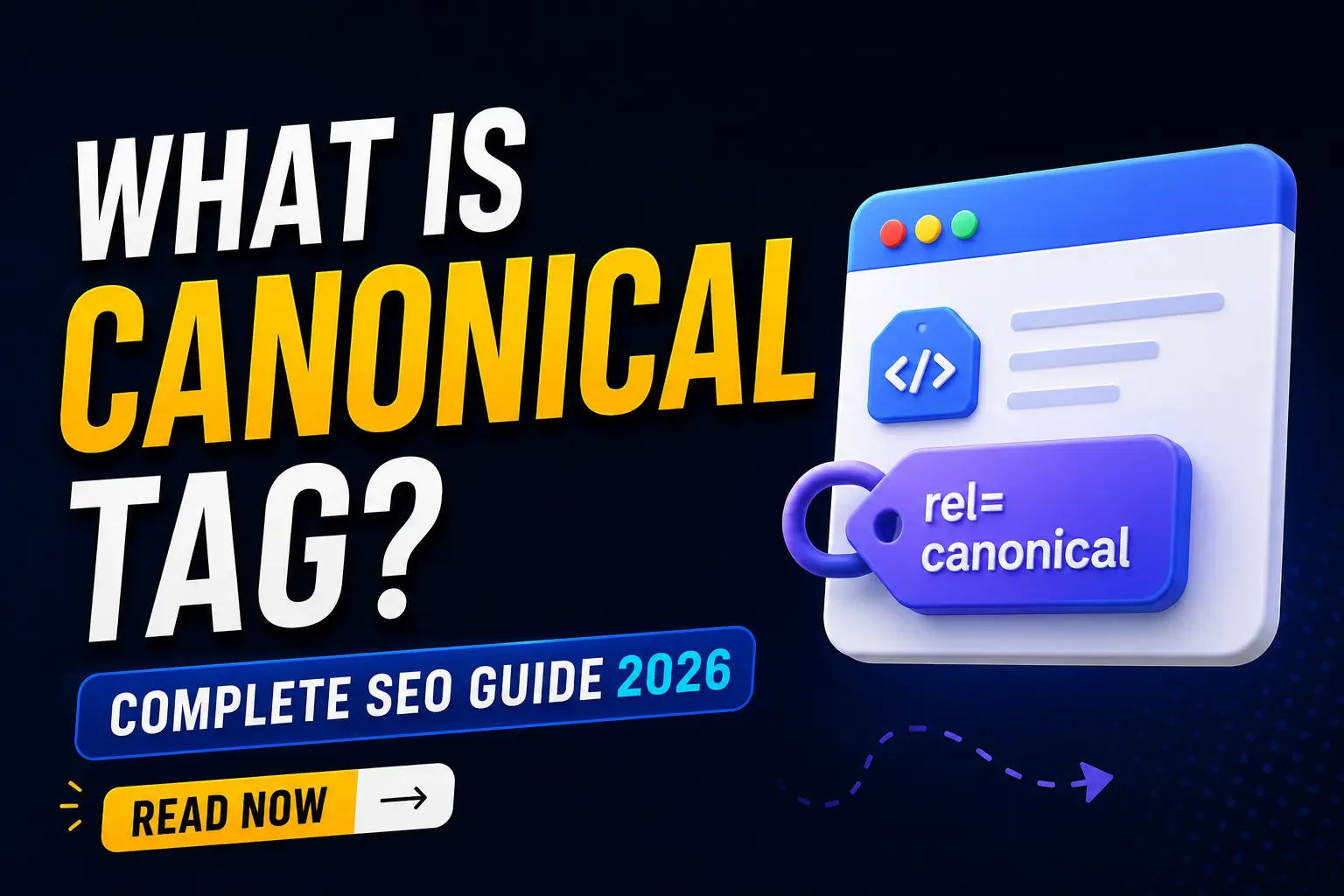
जब मैंने पहली बार एक eCommerce website की crawl report देखी थी, तब एक ही product page के 12 variations Google में discover हो रहे थे। उस समय समझ आया कि सही canonical setup technical SEO का कितना महत्वपूर्ण हिस्सा है। सबसे interesting बात यह है कि canonical tag ranking बढ़ाने का direct shortcut नहीं है, लेकिन गलत page indexing की समस्या कम करने में मदद कर सकता है।Canonical Tag एक HTML tag है जो search engines को बताता है कि multiple similar URLs में कौन सा page original या preferred version है। यह duplicate content issue को manage करने और Google को सही page index करने में मदद करता है, जिससे SEO signals एक जगह consolidate हो सकते हैं।
Canonical Tag और SEO में इसकी क्या भूमिका है?
Canonical Tag का सबसे आसान जवाब यह है कि यह search engines को preferred URL identify करने में मदद करता है। अगर एक ही content multiple URLs पर available हो, तो canonical tag Google को सही version चुनने का संकेत देता है।
Canonical tag एक ऐसी HTML instruction है जो webpage के <head> section में add की जाती है। इसका मतलब है कि website owner Google को बता सकता है कि similar pages में कौन सा URL primary माना जाए। canonical tag seo में इसलिए महत्वपूर्ण माना जाता है क्योंकि यह duplicate content confusion कम करने में मदद कर सकता है।
अगर भारतीय उदाहरण लें, तो imagine कीजिए कि किसी शहर में एक ही दुकान के तीन अलग addresses social media पर चल रहे हों। Customers confuse हो सकते हैं कि असली location कौन सी है। Canonical tag search engines के लिए उसी official address की तरह काम करता है।
जब मैंने पहली बार एक affiliate website audit की थी, तब category filters की वजह से multiple duplicate URLs generate हो रहे थे। Canonical tag लगाने के बाद Google crawling ज्यादा organized दिखाई दी। हालांकि यह समझना जरूरी है कि canonical tag हर case में instant SEO improvement नहीं देता क्योंकि content quality और internal linking भी महत्वपूर्ण रहती है।
Industry experts के अनुसार, बड़ी websites में URL management technical SEO strategy का महत्वपूर्ण हिस्सा माना जाता है।
Canonical Tag SEO में कैसे काम करता है?
canonical tag seo में search engines को संकेत देता है कि किस URL को original source माना जाना चाहिए। इसका main purpose duplicate content confusion कम करना होता है।
जब किसी webpage में canonical tag add किया जाता है, तो Google उस URL को “preferred version” के रूप में consider कर सकता है। उदाहरण के लिए, अगर एक page multiple tracking parameters के साथ open हो रहा है, तो canonical tag search engine को clean URL prefer करने का संकेत देता है।
Canonical URL कैसे identify किया जाता है?
canonical url वह preferred URL होता है जिसे search engines indexing और ranking signals के लिए प्राथमिकता दे सकते हैं। मान लीजिए एक URL ऐसे open हो रहा है:
example.com/shoes
और दूसरा:
example.com/shoes?sort=price
अगर दोनों same content दिखाते हैं, तो canonical tag पहला URL prefer करने के लिए use किया जा सकता है। अगर इसे railway analogy से समझें, तो imagine कीजिए कई trains same city तक जा रही हैं लेकिन official राजधानी route एक माना जाता है। Canonical tag Google को वही preferred route दिखाता है।
लेकिन सबसे important nuance यह है कि canonical tag Google के लिए instruction नहीं बल्कि strong suggestion होती है। अगर Google को लगे कि दूसरा URL ज्यादा useful है, तो वह अलग page choose कर सकता है। Research studies ने दिखाया है कि structured URL management crawl efficiency improve कर सकता है।
Duplicate Content SEO में Canonical Tag क्यों जरूरी है?
canonical url वह preferred URL होता है जिसे search engines indexing और ranking signals के लिए प्राथमिकता दे सकते हैं।
मान लीजिए एक URL ऐसे open हो रहा है:
example.com/shoes
और दूसरा:
example.com/shoes?sort=price
अगर दोनों same content दिखाते हैं, तो canonical tag पहला URL prefer करने के लिए use किया जा सकता है।
अगर इसे railway analogy से समझें, तो imagine कीजिए कई trains same city तक जा रही हैं लेकिन official राजधानी route एक माना जाता है। Canonical tag Google को वही preferred route दिखाता है।
लेकिन सबसे important nuance यह है कि canonical tag Google के लिए instruction नहीं बल्कि strong suggestion होती है। अगर Google को लगे कि दूसरा URL ज्यादा useful है, तो वह अलग page choose कर सकता है।
Research studies ने दिखाया है कि structured URL management crawl efficiency improve कर सकता है। [EXTERNAL LINK]
Duplicate Content SEO में Canonical Tag क्यों जरूरी है?
Duplicate content seo issues में canonical tag काफी useful माना जाता है क्योंकि यह similar pages के बीच confusion कम कर सकता है। खासतौर पर eCommerce और large websites में इसका role ज्यादा महत्वपूर्ण हो जाता है।
Duplicate content issue एक ऐसी SEO problem है जिसमें same या highly similar content multiple URLs पर available होता है। इससे search engines confuse हो सकते हैं कि ranking signals किस page को मिलने चाहिए। इसलिए canonical tag duplicate pages के signals consolidate करने में मदद कर सकता है।
Duplicate Content Issue कैसे बनता है?
कई websites unknowingly duplicate URLs generate कर देती हैं। कुछ common reasons इस प्रकार हैं:
- URL parameters
- Category filters
- HTTP और HTTPS versions
- WWW और non-WWW URLs
जब मैंने एक fashion eCommerce website audit की थी, तब same product color filters की वजह से dozens of URLs बन रहे थे। Canonical setup के बाद duplicate crawling reduce होती दिखाई दी। लेकिन यह समझना जरूरी है कि सिर्फ canonical tag लगाने से weak SEO structure magically improve नहीं हो जाती।
अगर analogy से समझें, तो यह school attendance register जैसा है। अगर एक ही student का नाम कई बार लिखा जाए, तो confusion बढ़ेगा। Canonical tag Google को बताता है कि actual “main entry” कौन सी है।
Industry experts के अनुसार, large-scale seo duplicate pages websites में crawl budget waste कर सकते हैं।
How to Add Canonical Tag सही तरीके से?
अगर आपकी website पर duplicate URLs बनने की संभावना है, तो how to add canonical tag समझना जरूरी है। सही implementation SEO clarity improve कर सकता है।
Canonical tag सामान्यतः webpage के <head> section में add किया जाता है।
एक basic canonical tag example इस तरह दिखाई देता है:
<link rel=”canonical” href=”https://example.com/main-page/” />
Canonical Tag कैसे काम करता है?
ऊपर दिए गए code का मतलब है कि search engines को यह बताया जा रहा है कि main-page preferred version है। अगर आप WordPress use करते हैं, तो कई SEO plugins automatically canonical tag generate कर देते हैं। लेकिन custom websites में इसे manually add करना पड़ सकता है।
जब मैंने पहली बार एक WordPress blog में canonical issue troubleshoot किया था, तब pagination URLs accidentally self-conflicting canonical use कर रहे थे। Fix करने के बाद crawl reports ज्यादा clean दिखाई दीं। इसलिए implementation के बाद testing करना जरूरी होता है।
अगर इसे home address analogy से समझें, तो imagine कीजिए आपने courier company को exact permanent address दे दिया हो ताकि parcel wrong branch में न जाए। Canonical tag भी Google को यही clarity देता है। सबसे surprising insight यह है कि कई websites गलत canonical setup की वजह से important pages की visibility कम कर देती हैं। इसलिए बिना समझे copy-paste implementation risky हो सकती है।
Canonical Tag vs 301 Redirect क्या फर्क समझना जरूरी है?
301 redirect vs canonical tag समझना technical SEO के लिए बहुत जरूरी है क्योंकि दोनों का purpose अलग होता है। कई beginners इन्हें same समझ लेते हैं, जबकि practical use cases अलग हैं।
301 Redirect एक ऐसी server-side instruction है जो users और search engines को permanently एक URL से दूसरे URL पर भेज देती है। दूसरी तरफ Canonical Tag सिर्फ search engines को preferred page का संकेत देता है, लेकिन users original URL पर ही रहते हैं।
301 Redirect vs Canonical Tag में क्या फर्क है?
अगर आपकी पुरानी page permanently हट चुकी है और नया version available है, तो 301 redirect बेहतर option हो सकता है। लेकिन अगर same content multiple URLs पर जरूरी कारणों से exist करता है, तो canonical tag ज्यादा practical रहता है। उदाहरण के लिए, imagine कीजिए कि आपने दुकान का address permanently बदल दिया है। ऐसे में customers को नए address पर भेजना सही होगा—यह 301 redirect जैसा है। लेकिन अगर multiple roads एक ही दुकान तक पहुँचती हैं और आप preferred route suggest करना चाहते हैं, तो यह canonical tag जैसा है।
जब मैंने एक news portal website troubleshoot की थी, तब category duplication की वजह से canonical use करना ज्यादा useful रहा, जबकि deleted pages के लिए 301 redirect लगाया गया। इससे समझ आया कि दोनों tools complementary हैं, replacement नहीं।
Industry experts के अनुसार, सही situation में सही method use करना crawl efficiency और SEO clarity improve कर सकता है।
Common Canonical Tag Mistakes जो SEO खराब कर सकती हैं
Canonical tag helpful जरूर है, लेकिन गलत implementation SEO visibility को negatively affect कर सकती है। इसलिए blindly setup करना risky हो सकता है।
सबसे common mistake wrong page को canonical declare करना है। अगर आपने accidentally low-priority page को main URL बना दिया, तो important page ranking signals lose कर सकता है। दूसरी तरफ कुछ websites self-referencing canonical use ही नहीं करतीं, जिससे unnecessary confusion बन सकता है।
URL Canonicalization में कौन सी गलतियाँ avoid करनी चाहिए?
Url canonicalization एक ऐसी process है जिसमें preferred URL तय किया जाता है ताकि duplicate signals avoid किए जा सकें।
कुछ common mistakes इस प्रकार हैं:
- Broken canonical URLs
- Cross-domain errors
- Multiple canonical tags
- Incorrect pagination setup
अगर इसे exam answer sheet analogy से समझें, तो imagine कीजिए teacher को same student की multiple answer sheets मिल जाएँ लेकिन main copy कौन सी है यह clear न हो। Result confusion बढ़ सकता है। Canonical mistakes SEO में ऐसा ही confusion create करती हैं।
जब मैंने एक affiliate blog audit किया, तब category pages पर homepage canonical लगा हुआ था। इससे कई useful pages indexing lose कर रहे थे। Fix करने के बाद crawling report ज्यादा stable दिखाई दी। लेकिन यह समझना जरूरी है कि हर case में canonical correction तुरंत ranking jump नहीं दिखाती। Research studies ने दिखाया है कि clear URL structure crawl prioritization improve कर सकती है।
Best Practices for Canonical URL Setup in 2026
अगर आप canonical tag का सही फायदा लेना चाहते हैं, तो proper implementation strategy जरूरी है। गलत setup SEO signals confuse कर सकता है। Canonical URL setup एक ऐसी optimization practice है जो search engines को preferred content version identify करने में मदद करती है। इसका मतलब duplicate pages हटाना नहीं, बल्कि सही version prioritize करना होता है।
कुछ practical best practices इस प्रकार हैं:
- Self-referencing canonical use करें
- HTTPS version को prefer करें
- Sitemap URLs और canonical URLs match रखें
- Pagination pages carefully manage करें
सबसे important बात, canonical setup के बाद Google Search Console reports check करना जरूरी होता है। कई लोग setup कर देते हैं लेकिन testing नहीं करते। अगर Indian example लें, तो imagine कीजिए किसी coaching institute की multiple branches हों लेकिन admission office सिर्फ एक location पर हो। Clear direction देने से students confusion avoid करते हैं। Canonical tag search engines को ऐसी ही clarity देता है।
Industry experts के अनुसार, clean url canonicalization बड़ी websites में duplicate signal management improve कर सकती है।
FAQ
1- What Is Canonical Tag?
Canonical Tag एक HTML element है जो search engines को बताता है कि similar URLs में कौन सा page preferred version है। यह duplicate content confusion कम करने और सही URL को indexing signals देने में मदद कर सकता है।
2- Why is canonical tag important in SEO?
canonical tag in seo duplicate content issues manage करने में useful होता है। यह search engines को preferred page identify करने में सहायता कर सकता है, जिससे ranking signals unnecessary multiple URLs में divide होने से बच सकते हैं।
3- What is a canonical URL?
canonical url वह preferred webpage URL होता है जिसे search engines primary version के रूप में consider कर सकते हैं। इसका use तब helpful होता है जब same content अलग-अलग URLs से accessible हो।
4- How to add canonical tag?
how to add canonical tag के लिए webpage के <head> section में canonical link add किया जाता है। कई WordPress SEO plugins इसे automatically generate कर देते हैं, जबकि custom websites में manual setup करना पड़ सकता है।
5- What is a canonical tag example?
एक simple canonical tag example इस तरह होता है:
<link rel=”canonical” href=”https://example.com/page/” />
यह search engines को बताता है कि preferred page कौन सा URL है।
6- What is the difference between 301 redirect and canonical tag?
301 redirect vs canonical tag में मुख्य फर्क यह है कि 301 users और bots दोनों को permanently नए URL पर भेजता है, जबकि canonical सिर्फ search engines को preferred page का संकेत देता है।
7- Can canonical tag fix duplicate content SEO issues?
हाँ, कई cases में canonical tag duplicate content seo problems manage करने में helpful हो सकता है। लेकिन यह समझना जरूरी है कि weak content structure या poor internal linking जैसी issues अलग optimization demand कर सकती हैं।