Best AI Prompt for Image Generate 2026
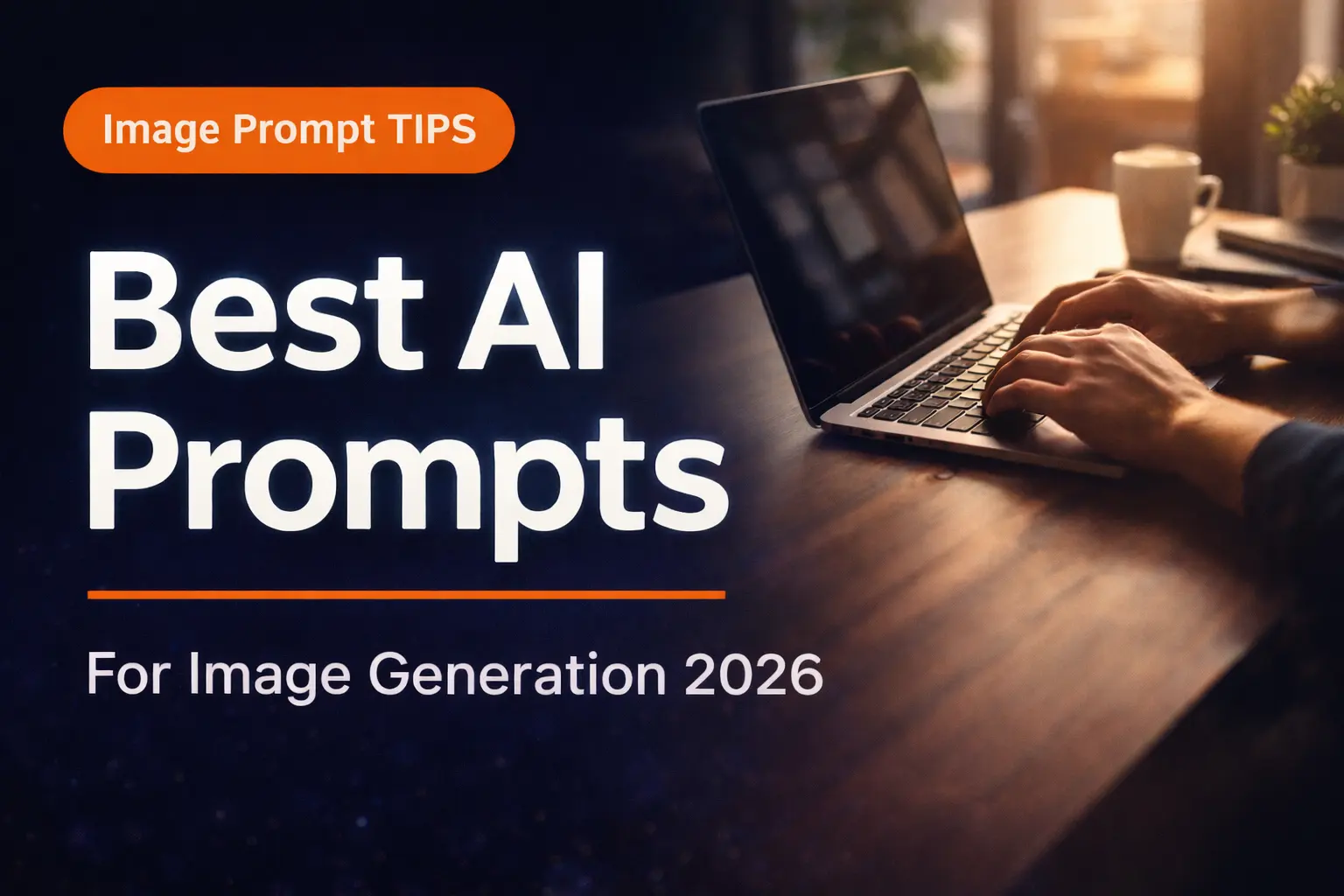
Create a WordPress Featured Image that is INDISTINGUISHABLE from a human-designed thumbnail. ═══════════════════ TECHNICAL SPECS ═══════════════════ Canvas Size : 1200 x 628 px Resolution : 72 DPI Format : PNG (web optimized) Aspect Ratio: 1.91:1 Safe Zone : 60px padding on all edges Color Mode : RGB ═════════════════════════ TEXT CONTENT & TYPOGRAPHY ═════════════════════════ BADGE (top-left): → Text: “SEO TIPS 2026” → Shape: Rounded pill (border-radius: 50px) → Background: #FF6B2B (deep orange) → Font: Poppins SemiBold, 18px, UPPERCASE → Letter spacing: 2px → Padding: 10px 20px HEADING: → Text: [“Best AI Prompt”] → Font: Poppins Black (900 weight) → Size: ~90-100px → Color: Pure White #FFFFFF → Max 2 lines only → text stroke, glow effect → Subtle text-shadow: 0px 2px 8px rgba(0,0,0,0.4) DIVIDER: → Thin horizontal line (3px) below heading → Color: #FF6B2B (orange — matches badge) → Width: Same as heading width → This creates STRONG visual hierarchy SUBHEADING: → Text: “for seo list 2026” → Font: Poppins Regular (400 weight) → Size: ~36-40px → Color: #E0E0E0 (light grey — NOT pure white) → Slight opacity: 85% LAYOUT RULE: → All text: LEFT aligned → Text block occupies LEFT 50% of canvas → Right 50% = background image focus area → Text vertical center = slightly above middle ═══════════════════════════════════ BACKGROUND PHOTO (MOST IMPORTANT) ═══════════════════════════════════ Scene: A REAL professional person working on a laptop at a clean modern desk Photo Requirements: → Shot style: DSLR, 50mm lens, f/1.8 bokeh → Angle: Slightly side/diagonal — NOT straight on → Lighting: Warm natural window light from right → Person: Partial view — hands & laptop visible (NOT full face — avoids AI face detection) → Desk: Wooden texture, clean, minimal items (coffee cup / small plant = okay) → Background: Softly blurred office or cafe STRICTLY NO: ✗ Floating icons anywhere on image ✗ Charts or graphs overlaid on screen ✗ Animated/glowing UI elements ✗ Stock-photo “perfect pose” people ✗ Neon or unrealistic lighting OVERLAY (Critical for text readability): → Apply LEFT-to-RIGHT gradient overlay: Left side : rgba(10, 10, 20, 0.82) — very dark Right side: rgba(10, 10, 20, 0.10) — nearly transparent → This makes text pop while showing real photo ═══════════════════════════════════ COLOR PALETTE (STRICT — MAX 3 COLORS) ═══════════════════════════════════ #0A0A14 → Dark navy overlay (background) #FFFFFF → Primary text (heading) #FF6B2B → Accent (badge + divider line only) #E0E0E0 → Secondary text (subheading) NO other colors allowed. ═════════════════════════ LAYOUT & DESIGN PRINCIPLES ═════════════════════════ Grid : Rule of Thirds (3×3 grid) Visual Flow: Badge → Heading → Divider → Sub Focal Point: Heading dominates — nothing competes Whitespace : Generous — do NOT fill empty space Balance : Left text block vs Right photo = stable Alignment : Strict left-align — NO centered text Proximity : Badge sits 16px above heading only ═════════════════════════════ ABSOLUTE RULES — DO NOT BREAK ═════════════════════════════ ✗ NO floating 3D icons or illustrations ✗ NO decorative elements in center of image ✗ NO more than 2 font weights used ✗ NO gradients on text itself ✗ NO outer glow or heavy drop shadows ✗ NO AI-looking skin or faces ✗ NO abstract shapes or blobs ✗ NO more than 3 colors total ✗ NO Comic Sans, script, or display fonts ✗ NO busy or symmetric “poster” feel ═══════════════════════════ REFERENCE QUALITY STANDARD ═══════════════════════════ Final image must match the design quality of: → HubSpot Blog thumbnails → Backlinko featured images → Search Engine Journal covers → Ahrefs blog post thumbnails It must look like a REAL designer spent 2 hours on it in Adobe Photoshop. Output :